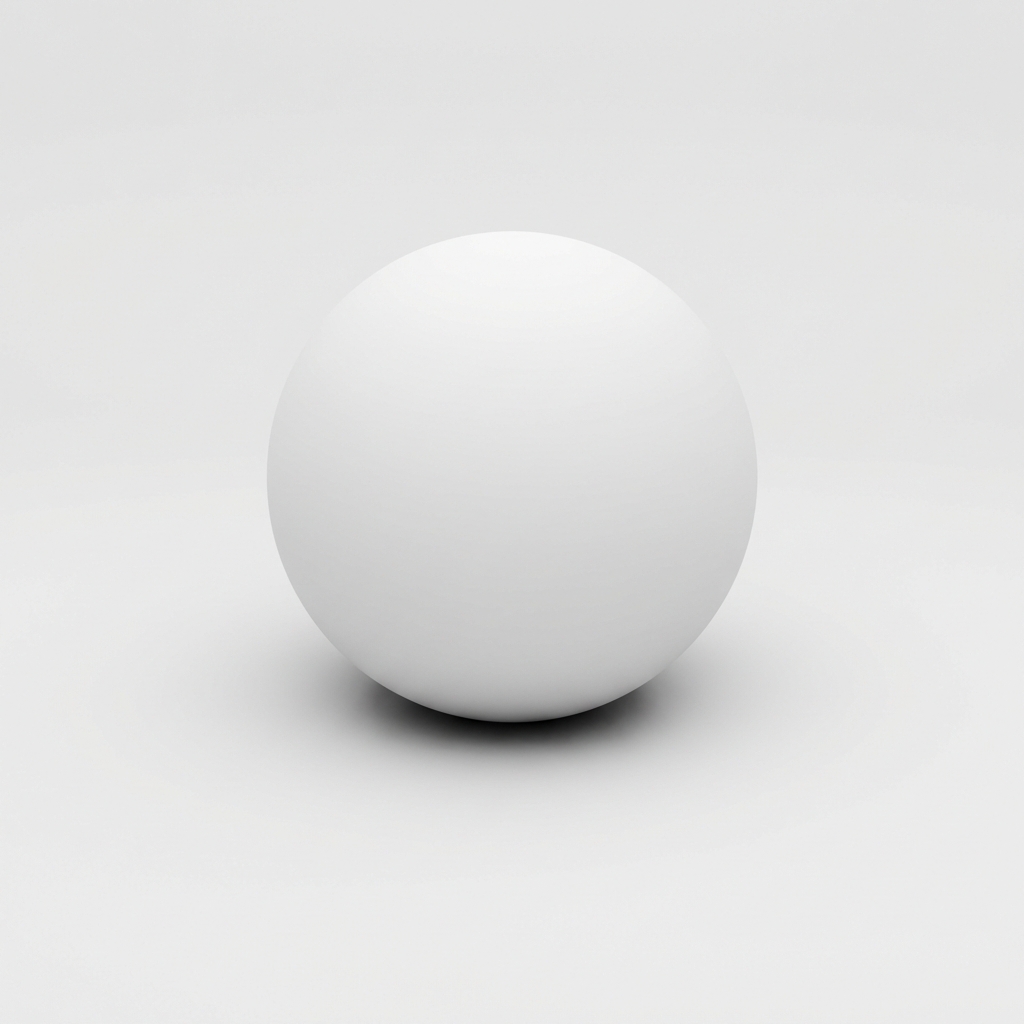
Visualizing AO: Notice the soft shadow at the contact point between the sphere and the ground, where ambient light is occluded.
Standard lighting in 3D can look flat. Objects seem to float. Corners don't feel like corners. The Ambient Occlusion (AO) Map fixes this — it's the secret weapon for grounding objects and adding subtle depth.
Ambient Occlusion calculates how exposed each point on a surface is to ambient light.
Picture the corner where two walls meet the ceiling. Even with even lighting, that corner always looks darker. The geometry blocks light from reaching the crevice. An AO map bakes this information into a texture.
How an AO Map Works
An Ambient Occlusion map is a grayscale image, meaning it carries no color information, only intensity values ranging from black to white.
- White (1.0): Represents areas that are fully exposed to the environment. These parts receive full ambient light.
- Black (0.0): Represents areas that are fully occluded. These parts are in shadow (like deep cracks or the inside of a pipe).
- Gray: Represents partially occluded areas.
Why is AO Critical for PBR?
In modern PBR workflows (like in Unreal Engine 5, Unity, or Blender), AO plays a specific role:
- Grounding Objects: Without AO, objects placed on a floor can look like they are floating. The subtle shadow at the contact point grounds them.
- Micro-Detail Enhancement: Normal maps add "bump" details, but they don't always cast self-shadows efficiently. AO maps "bake" these tiny shadows into the texture, making details like screw holes, clothing folds, and brick mortar pop.
- Performance: Calculating real-time global illumination is expensive. Using a pre-baked AO map is a very cheap way to get high-quality shadow detail without killing your frame rate.
AO vs. Shadow Maps
It is important to distinguish AO from standard shadows. Shadows are directional—they appear because a specific light source (like the sun) is blocked. Ambient Occlusion is non-directional—it exists regardless of where the sun is, simply because the geometry is tight.
Create Your Own AO Maps Instantly
Don't have an AO map for your texture? No problem. Our AI-driven tool can analyze your image and generate a high-quality Ambient Occlusion map in seconds.
Generate AO Map Now